

Lock the chrome before you describe the screen
UI screenshots fail when the model mixes platforms, ratios, and button labels. Name the OS first, quote the copy, and put unusual aspect ratios on line one.
2026/09/01
Controls this guide covers
platformName the exact OS or app chrome. Vague “mobile UI” mixes iOS, Android, and social apps.
aspectRatioPut the ratio first. A 21:9 car HUD collapses to phone 9:16 if you mention it last.
layoutLock nav, columns, and tab bars. Without a layout sentence the model invents one.
copyQuote the exact labels. “Readable text” still produces gibberish buttons.
Related templates
Browse UI & Social Mockup in the gallery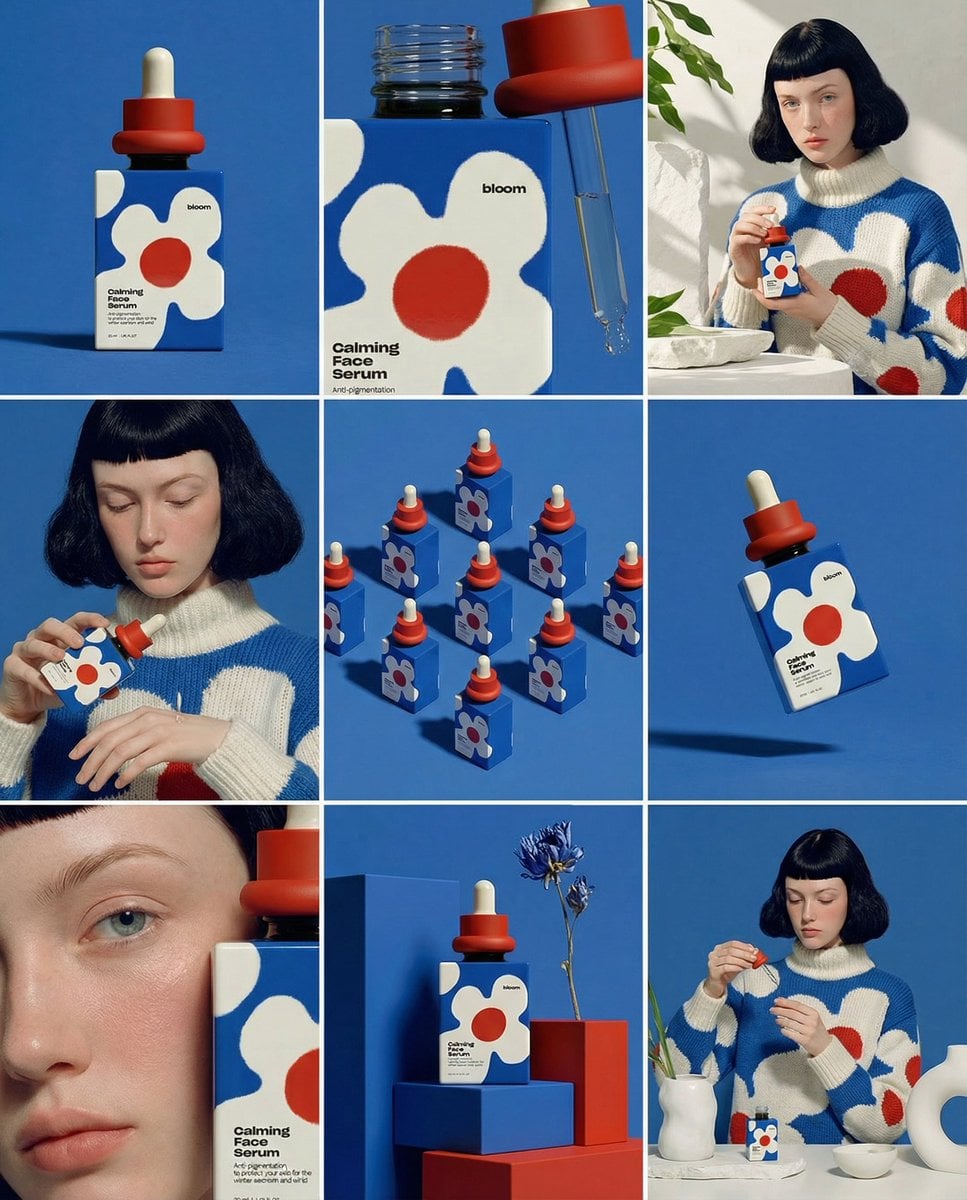
Create ONE final image. A clean 3×3 [ratio] storyboard grid with nine equal [ratio] sized panels on [4:5] ratio. Use the reference image as the base product reference. Keep the same product, packaging design, branding, materials, colors, proportions and overall identity across all nine panels exactly as the reference. The product must remain clearly recognizable in every frame. The label, logo and proportions must stay exactly the same. This storyboard is a high-end designer mockup presentation for a branding portfolio. The focus is on form, composition, materiality and visual rhythm rather than realism or lifestyle narrative. The overall look should feel curated, editorial and design-driven. FRAME 1: Front-facing hero shot of the product in a clean studio setup. Neutral background, balanced composition, calm and confident presentation of the product. FRAME 2: Close-up shot with the focus centered on the middle of the product. Focusing on surface texture, materials and print details. FRAME 3: Shows the reference product placed in an environment that naturally fits the brand and product category. Studio setting inspired by the product design elements and colours. FRAME 4: Product shown in use or interaction on a neutral studio background. Hands and interaction elements are minimal and restrained, the look matches the style of the package. FRAME 5: Isometric composition showing multiple products arranged in a precise geometric order from the top isometric angle. All products are placed at the same isometric top angle, evenly spaced, clean, structured and graphic. FRAME 6: Product levitating slightly tilted on a neutral background that matches the reference image color palette. Floating position is angled and intentional, the product is floating naturally in space. FRAME 7: is an extreme close-up focusing on a specific detail of the label, edge, texture or material behavior. FRAME 8: The product in an unexpected yet aesthetically strong setting that feels bold, editorial and visually striking. Unexpected but highly stylized setting. Studio-based, and designer-driven. Bold composition that elevates the brand. FRAME 9: Wide composition showing the product in use, placed within a refined designer setup. Clean props, controlled styling, cohesive with the rest of the series. CAMERA & STYLE: Ultra high-quality studio imagery with a real camera look. Different camera angles and framings across frames. Controlled depth of field, precise lighting, accurate materials and reflections. Lighting logic, color palette, mood and visual language must remain consistent across all nine panels as one cohesive series. OUTPUT: A clean 3×3 grid with no borders, no text, no captions and no watermarks.
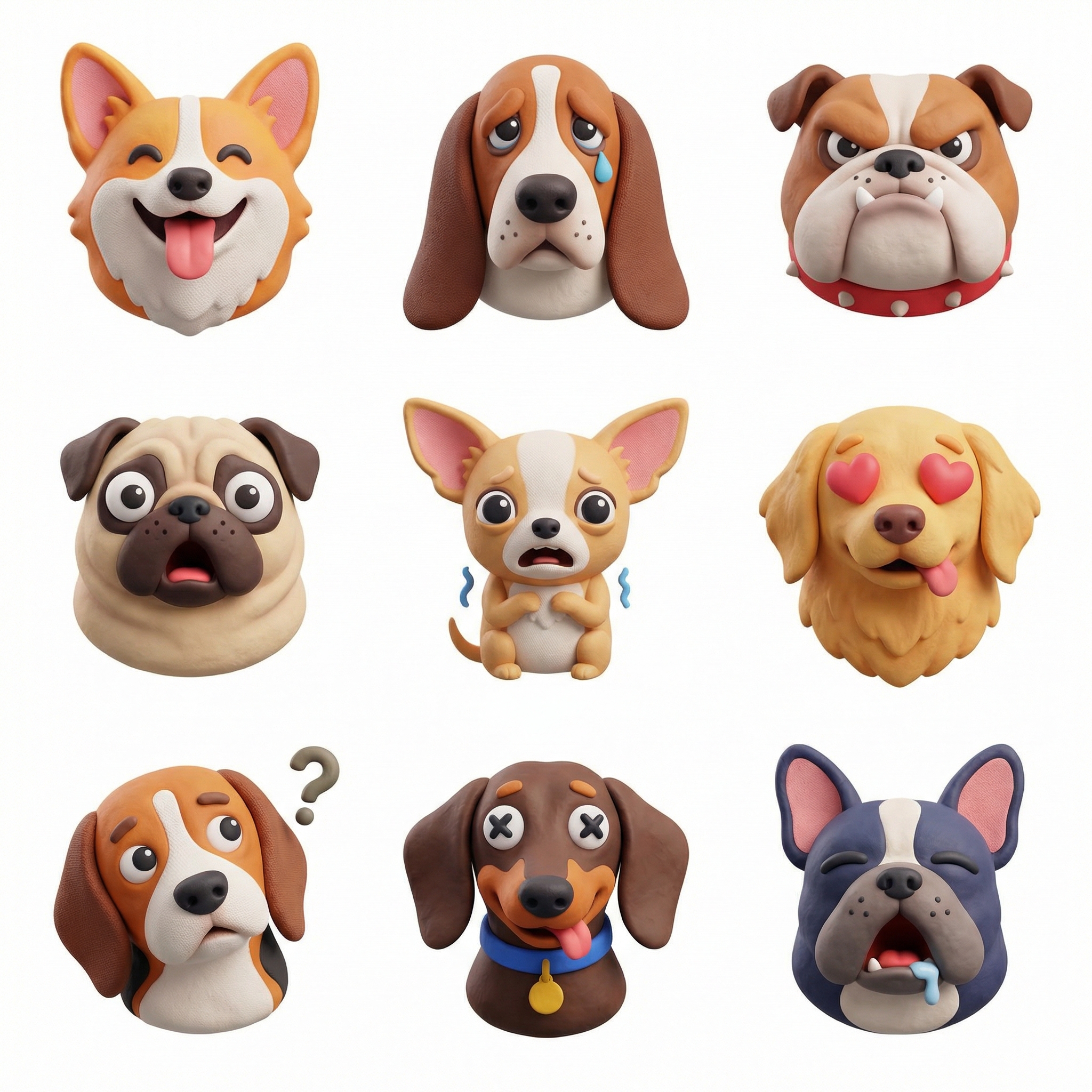
Create a collection of icons representing [a theme], they belong together as a single theme. Put them in a 3x3 grid. The background is white. Make the icons in a colorful and tactile 3D style. No text. - dogs with different emotions - bananas - January - the same cat in different emotions
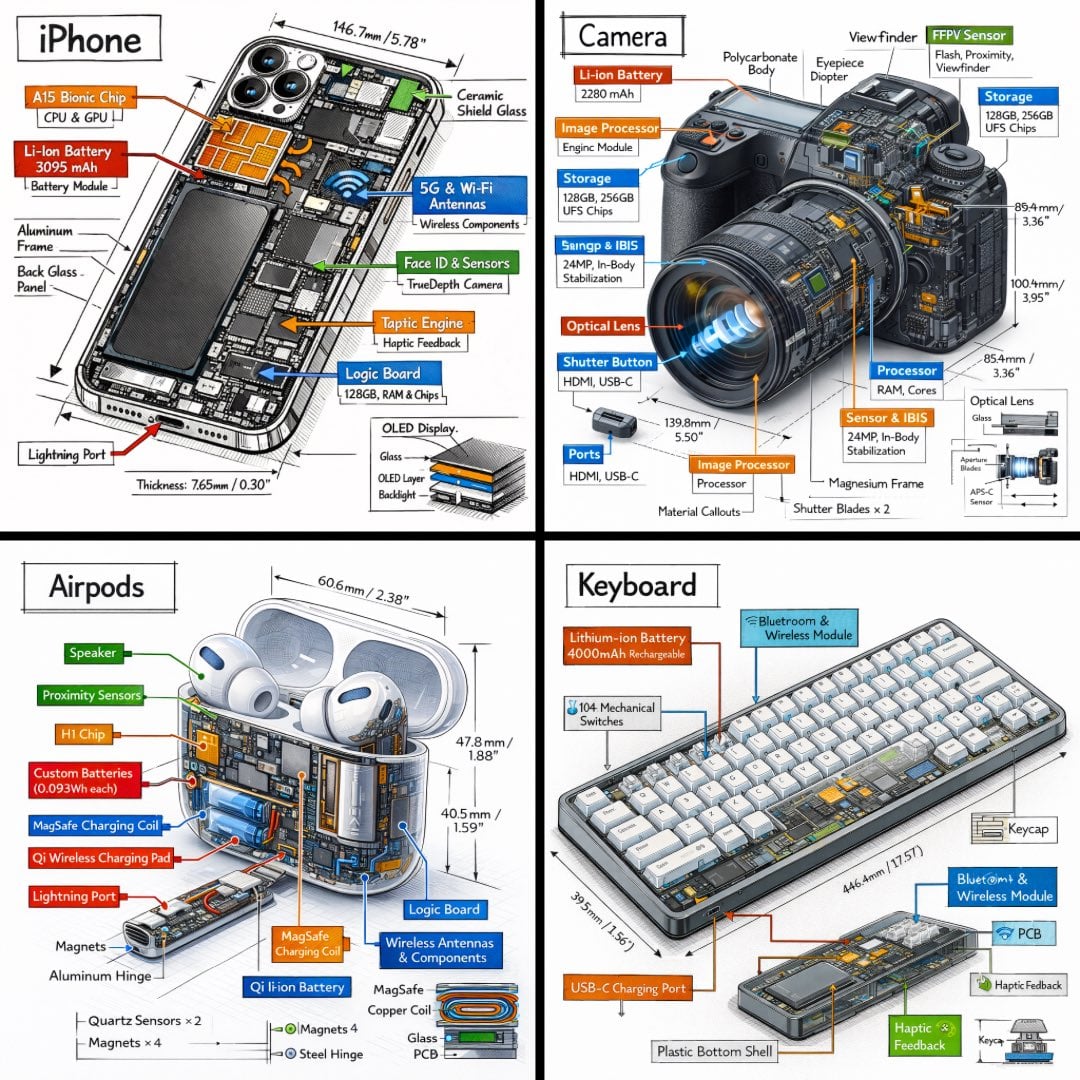
Create a technical infographic of [OBJECT] with a 45-degree isometric 3D perspective showing the device slightly tilted to reveal depth and dimension. Combine a realistic photoreal render with black ink technical annotations on pure white background. Include: Key component labels with color-coded callout boxes Internal component visibility through transparent/cutaway sections Measurements, dimensions, and precise scale markers Material callouts and quantities Color-coded arrows for function/flow: RED (power/battery), BLUE (data/connectivity), ORANGE (thermal/processor), GREEN (sensors/haptics) Simple schematics or cross-sectional diagrams where relevant Place “OBJECT” title in a hand-drawn technical box (top-left corner). Style: Black linework (technical pen/architectural), sketched but precise. Object remains clearly visible. Educational museum-exhibit vibe. Clean composition, balanced negative space. Perspective: Isometric 3D angle—tilted to show depth, dimension, and internal architecture dramatically. Like a professional product teardown or engineering manual. Colors: ~10-15% accent density. Black dominant. White background. Output: 1080×1080, ultra-crisp, social-feed optimized.
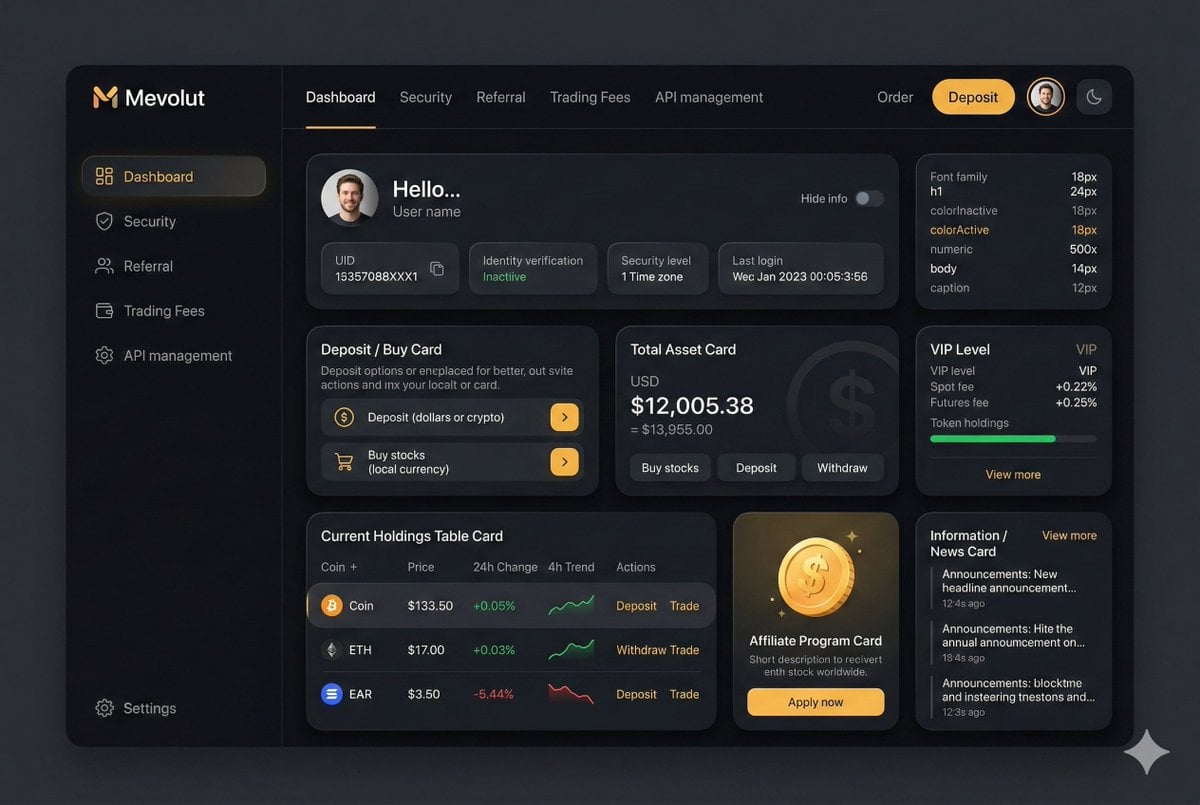
You are an experienced UI designer embracing modern, minimalistic design, shadows, glass, and soft colors. Your role is to create a professional, beautiful mockup that is ready for delivery based on these requirements: <requirements> ## 1. Overall Style & Visual Language This interface represents a premium, modern fintech / crypto trading dashboard using a dark theme. The visual language combines **soft neumorphism**, and **luxury Web3 aesthetics**. Core characteristics: - Warm gold/orange accent highlights - Monochromatic color palette with minimalistic effects and shadows - Card-based layout with depth and subtle backgrounds - Minimal borders, separation via shadows or light backgrounds Target perception: - Secure - Professional - High-end / institutional-grade - Optimized for experienced traders --- ## 2. Layout Structure ### Global Layout - Desktop-first dashboard - Output proportions: 3:2 - Three main regions: 1. Top navigation bar (horizontal) 2. Left sidebar navigation (vertical) 3. Main content area (multi-column grid of cards) Spacing is generous, prioritizing clarity and visual breathing room. --- ## 3. Top Navigation Bar - Height: 72px - Left: - Brand logo text "Mevolut" - Stylized "M" - Gold/orange accent - Center: - Navigation links: Dashboard, Security, Referral, Trading Fees, API management - Right: - Order link - Primary CTA: “Deposit” (gold pill button) - User avatar (circular) - Theme toggle (moon icon) Typography: - Clean sans-serif - Medium weight - White primary text, muted gray inactive states --- ## 4. Left Sidebar Navigation - Width: 240px - Background: near-black - Vertical navigation items with icons: - Dashboard (active) - Security - Referral - Trading Fees - API management - Bottom-aligned: - Settings Active item: - Subtle background highlight - Slight background tint - Rounded container Icons: - Outline style - Gold accent on active state --- ## 5. Main Content Area ### 5.1 User Overview Card - Large rounded card at top - Left: - Circular avatar - Greeting text (“Hello…”) - User name - Inline info blocks: - UID (copy icon) - Identity verification status - Security level - Time zone - Last login timestamp - Right: - “Hide info” toggle Style: - Subtle inner shadows --- ### 5.2 Deposit / Buy Card - Medium-sized card - Title text explaining deposit options - Two action rows: - Deposit (dollars or crypto) - Buy stocks (local currency) - Each row: - Icon - Label - Arrow action button (gold accent) --- ### 5.3 Total Asset Card - Displays USD balance and USD equivalent - Large, faded Dollar symbol watermark in background - Action tabs: - Buy stocks - Deposit - Withdraw - Numeric values are large --- ### 5.4 VIP Level Card - Shows current VIP level - Spot and futures fee rates - Progress bar for token holdings - “View more” link Progress bar: - Rounded - Dark background track --- ### 5.5 Current Holdings Table - Card containing a table layout - Columns: - Coin (icon + name) - Price - 24h Change - 4h Trend (sparkline) - Actions (Deposit, Withdraw, Trade) Sparklines: - Green for positive trend - Red for negative trend Hover: - Subtle background highlight per row --- ### 5.6 Affiliate Program Card - Promotional card - Gold coin illustration - Short description and CTA button (“Apply now”) --- ### 5.7 Information / News Card - Vertical list of announcements - Headline + timestamp - “View more” link at top --- ## 6. Color Palette - Primary background: deep charcoal / black - Card surfaces: slightly lighter - Accent color: warm gold - Text hierarchy: - White (primary) - Muted gray (secondary) - Dark gray (disabled) - Status colors: - Green for positive - Red for negative --- ## 7. Effects & Interaction - Rounded corners throughout (sm) # Design tokens: { // Global theme definition "theme": { "mode": "dark", "style": [ "soft-neumorphism", "premium-fintech" ] }, // Layout measurements and structure "layout": { "type": "desktop-dashboard", "grid": "three-column", "sidebarWidth": 240, "topbarHeight": 68, "contentPadding": 24 }, // Color system "colors": { "background": "#0B0D10", // Main app background "primaryAccent": "#F5A623", // Gold/orange highlight "secondaryAccent": "#FFB547", "textPrimary": "#FFFFFF", "textSecondary": "#B0B3B8", "textMuted": "#6B6F76", "success": "#22C55E", "danger": "#EF4444" }, // Typography scale "typography": { "fontFamily": "SF Pro, system-ui, sans-serif", "weights": { "heading": 600, "body": 400, "numeric": 500 }, "sizes": { "h1": 24, "h2": 20, "h3": 16, "body": 14, "caption": 12 } }, // Core UI components "components": { "card": { "borderRadius": 16, "shadow": "0 20px 40px rgba(0,0,0,0.4)", "border": "none", "background": "#14171C", }, "button": { "primary": { "textColor": "#0B0D10", "borderRadius": 999, }, "secondary": { "background": "transparent", "textColor": "#F5A623" } }, "sidebar": { "background": "#0E1014", "itemRadius": 12, "iconStyle": "outline" }, "table": { "rowHeight": 56, "divider": "subtle", "hoverHighlight": true, "sparkline": { "positiveColor": "#22C55E", "negativeColor": "#EF4444" } }, "progressBar": { "height": 6, "radius": 999, "fillColor": "#22C55E", "backgroundColor": "#2A2E35" } }, // Icon system "icons": { "style": "outline", "size": 18, "colorInactive": "#6B6F76", "colorActive": "#F5A623" } } </requirements>
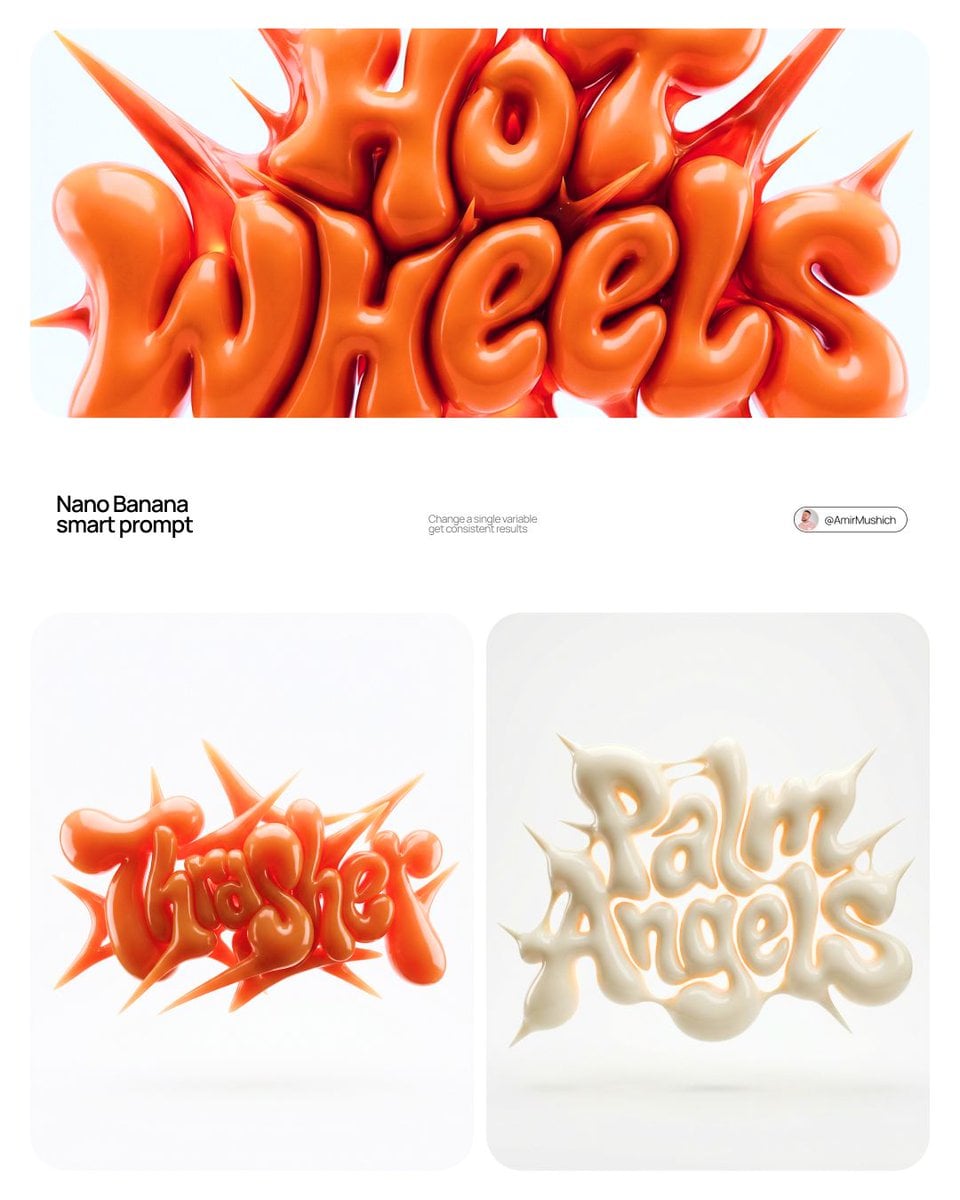
[BRAND NAME] | [COLOR] Act as a 3D Type Designer and CGI Artist working at the intersection of streetwear culture, Y2K aesthetics, and high-end digital sculpture. Your references: Nigo, Futura, Guccimaze, Soulwax art direction. --- PHASE 1: TYPOGRAPHIC CONCEPT Render the word or logotype [BRAND NAME] as a fully 3D sculptural object — not a flat text with extrusion, but a living, inflated, organic type sculpture. Style: Wildstyle graffiti DNA fused with inflatable balloon morphology. Letters are not separate — they flow into each other as one continuous organic mass. Each letterform has: bulbous pneumatic body as if inflated under high pressure from within, stretching the surface taut. Aggressive spike extensions — sharp tapered protrusions erupting between and around letters, directional, asymmetric, energetic, some long and blade-like, others short and thorn-like. Wildstyle overlaps — letters partially occlude each other creating depth layers, classic graffiti ambiguity where readability fights with visual complexity. Organic connective tissue — negative spaces between letters filled with stretched membrane forms, like rubber pulled between two inflated surfaces. --- PHASE 2: MATERIAL & SURFACE Single unified material across the entire sculpture — no color variation between letters. Material type: high-gloss latex / inflated rubber / soft silicone — the surface behaves like a balloon skin stretched to near-bursting point. Subsurface scattering: active — light penetrates slightly into the material, creating a translucent inner glow at thin edges and spike tips. Thinner areas read lighter, denser volumes read darker. Specular highlights: large, soft, slightly elongated — the kind you get on inflated latex, not hard plastic. Multiple secondary highlights in concave zones. Apply [COLOR] as the sole material color of the entire sculpture — this is non-negotiable. [COLOR] defines the pure midtone of the material. Highlights push toward the most luminous near-white version of [COLOR]. Shadow zones and deep crevices push toward the darkest most saturated version of [COLOR]. The entire chromatic range of the sculpture lives within the [COLOR] family — no hue deviation, no neutral grays. --- PHASE 3: COMPOSITION & STAGING Background: pure white (#FFFFFF) — clinical studio isolation. Zero texture, zero gradient. Shadow: none, or absolute minimum contact shadow directly beneath the sculpture — the object appears to float slightly. Orientation: horizontal spread — the sculpture is wider than tall, expanding laterally. Spike elements breach the invisible bounding box on all sides — top spikes reach upward, side extensions push outward. Camera angle: straight-on frontal, slightly elevated 5 to 10° above center — reveals the full typographic mass while showing the 3D depth of overlapping elements. Depth of field: none — sharp from foreground spikes to background letter bodies, every detail in focus. Scale feel: monumental — as if the sculpture is 2 meters wide in physical space, photographed in a white infinity studio. --- PHASE 4: TECH SPECS Render engine: Octane Render or Redshift — physically accurate subsurface scattering mandatory. Global illumination: large soft HDRI dome light, neutral white temperature 5500K. No directional shadows. No rim lights. No background elements. Ray tracing: on — for accurate specular and inter-reflection between letter surfaces. Anti-aliasing: maximum — edges must be razor-clean against white background. Output feel: this is a CGI product render, not AI art. Precision over expressionism. Aspect ratio: 1:1 square — centered composition with breathing room on all four sides.
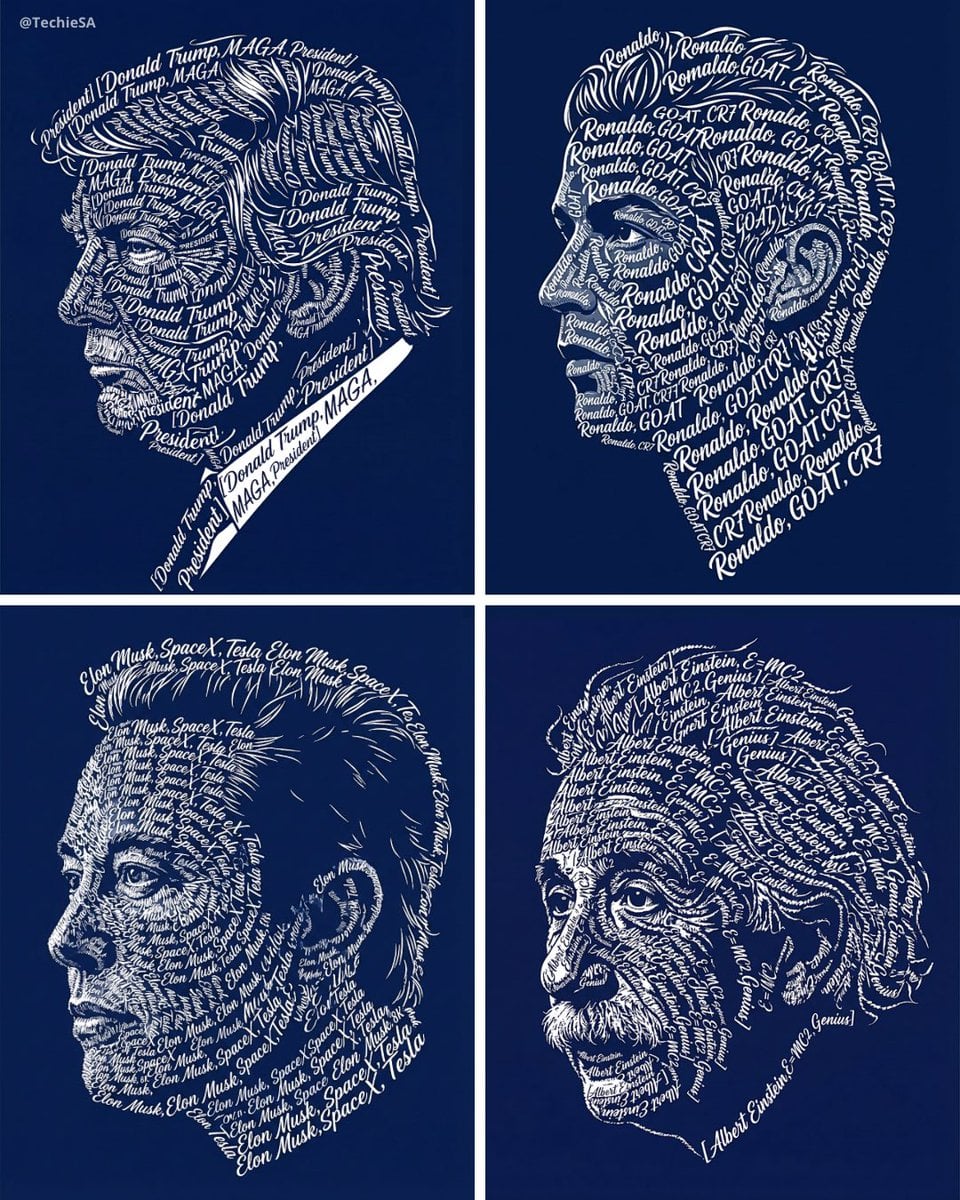
Create a typographic art portrait using the uploaded photo of a person as reference. Display a left-facing side profile portrait. The entire image--including the face. hair. and facial features--must be formed exclusively from repeated white calligraphic text using the words: "[PUT WHATEVER WORDS YOU WANT HERE]" The text should follow the natural contours of the face and hair, clearly shaping the person's profile silhouette. Use a deep navy blue background with high contrast The stvle should be clean vector art with sharp edges. Output in high-resolution 8K quality. Do not alter the person's facial identity. No additional colors. no textures. and no watermark. Dimension 4:5